Building an MCP Server for Remote Device Management
How we built the Slipstream MCP server — architecture decisions, security hardening, and lessons learned from giving Claude the ability to run commands on remote machines.
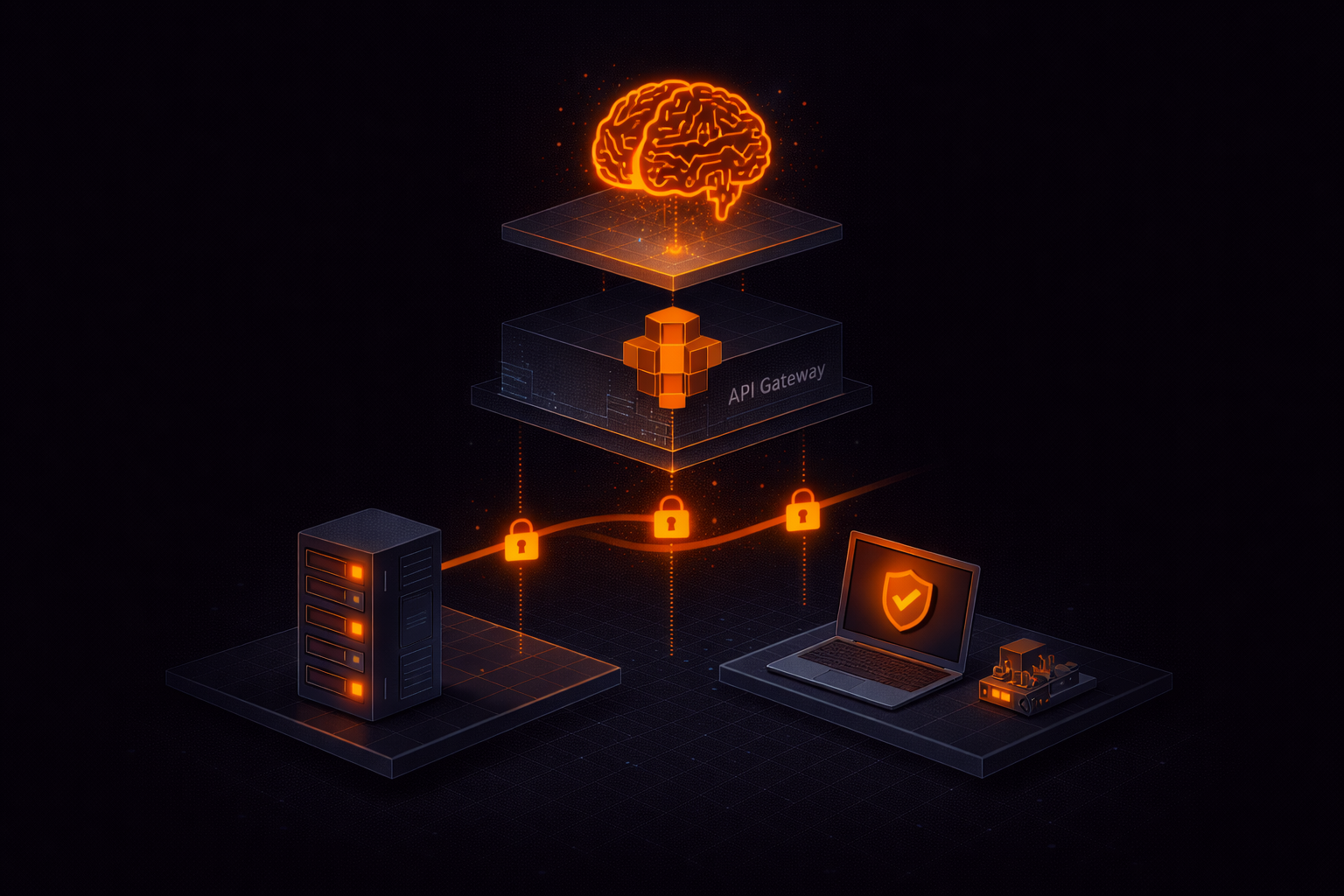
Giving an AI the ability to run commands on remote machines sounds powerful.
It’s also one of the fastest ways to introduce serious security risks if you get it wrong.
We built an MCP server to connect Claude to remote devices — and learned quickly that the hard part isn’t the integration. It’s making it safe.
This post covers the architecture, security decisions, and lessons we learned. The server is open source and published on npm as @keyqinc/slipstream-mcp.
Who This Is For
- Developers building MCP servers or AI-integrated tools
- Teams exposing infrastructure to AI assistants
- Anyone designing systems where AI can execute real-world actions
If you’re building something where an AI needs to interact with live systems, the patterns and mistakes here might save you time.
The Architecture
Our MCP server is a thin client. It doesn’t run commands itself — it delegates to the Slipstream API, which routes commands to agents running on remote devices.
Claude → MCP Server → Slipstream API → Durable Object Relay → Device Agent
                                    ← Result posted back via HTTP ←
The MCP server has four tools:
list_devices— enumerate devices with status and tagsexecute_command— run a shell command on a devicedevice_info— get detailed device metadataexec_history— view recent executions
Each tool is a thin wrapper around an API call. The server handles authentication, polling for async results, error formatting, and dangerous command detection.
This pattern shows up in any system where AI interacts with real infrastructure — separating control, execution, and results is critical for both performance and security.
Why Async Execution
The command execution flow is inherently asynchronous. Here’s why:
- The API receives the exec request
- It sends the command to the device via a WebSocket relay (Cloudflare Durable Object)
- The device agent executes the command
- The agent POSTs the result back to the API via HTTP
Steps 2-4 take anywhere from 20 milliseconds to 30 seconds. The MCP server can’t just await a single HTTP call.
Our approach: submit the command, get an exec_id, then poll with adaptive backoff.
async function pollExecResult(execId, timeoutSecs = 30) {
  const maxWaitMs = (timeoutSecs + 5) * 1000;
  const start = Date.now();
  let interval = 300; // Start fast

  while (Date.now() - start < maxWaitMs) {
    const result = await apiGet(`/exec/${execId}`);
    if (result.status === "completed" || result.status === "failed") {
      return result;
    }
    await new Promise(r => setTimeout(r, interval));
    interval = Math.min(interval * 1.5, 2000); // Back off to 2s
  }
  return { status: "timeout" };
}
The adaptive backoff starts at 300ms and slows to 2 seconds. For most commands (sub-100ms execution), the first or second poll catches the result. For slower commands, we avoid hammering the API.
Security: The Part Most Teams Underestimate
Security is the hard part — and the part most teams underestimate when connecting AI to infrastructure.
We built multiple layers of protection, and still found critical vulnerabilities during a formal audit.
Layer 1: Permission gating. The exec:command permission is separate from terminal access and not granted by default. Even org admins don’t have it automatically — it must be explicitly enabled per user.
Layer 2: Dangerous command detection. The MCP server scans commands against 13 patterns before execution:
const DANGEROUS_PATTERNS = [
  { pattern: /\brm\s+(-[rf]+\s+)?\//, label: "rm with absolute path" },
  { pattern: /\b(shutdown|reboot|halt|poweroff)\b/, label: "system shutdown" },
  { pattern: /\b(DROP|TRUNCATE|DELETE\s+FROM)\b/i, label: "destructive SQL" },
  { pattern: /\bdd\s+.*of=\/dev\//, label: "disk overwrite" },
  // ... 9 more patterns
];
These are warnings, not blocks. Claude’s own confirmation system (it asks the user before calling MCP tools) provides the first layer of human confirmation. The dangerous command detection adds a second.
Layer 3: Authentication on results. This was our most critical security vulnerability — and one we only caught during a formal audit.
Initially, the /exec/:id/result endpoint — where the agent posts command output — had no authentication. Anyone who could guess the exec ID could post fake results, making a user believe a command succeeded when it didn’t (or vice versa).
We fixed it in two ways: the endpoint now verifies the device API key matches the device that owns the exec command, and we switched exec IDs from 8 hex characters to full UUIDs (unguessable, high-entropy identifiers).
Layer 4: Credential isolation. The agent strips SLIPSTREAM_TOKEN from the command environment before executing. Without this, a simple printenv would leak the agent’s credentials. We also removed the token from the command line arguments (visible in /proc/cmdline on Linux) — credentials are now read from a secured file instead.
Layer 5: Rate limiting and timeouts. 60 commands per minute per device, 30-second max execution, 1MB output cap. These prevent abuse without limiting normal interactive use.
Lessons Learned
1. Start with the security audit, not after. We built the feature first and audited second. The audit found two critical vulnerabilities (unauthenticated result posting, credential exfiltration via process arguments). Building security in from the start would have been cheaper.
2. MCP tool descriptions matter more than you think. Claude uses the tool descriptions to decide when and how to call your tools. A vague description like “run a command” leads to poor tool selection. Be specific: “Execute a shell command on a remote Slipstream device. Returns stdout, stderr, and exit code. Requires exec:command permission.”
3. Error messages should be actionable. Instead of “403 Forbidden”, return “exec:command permission required. Grant it in the Slipstream dashboard under Team > Permissions.” Claude will relay this to the user, so make it useful.
4. The MCP SDK makes it easy. The @modelcontextprotocol/sdk package handles all the protocol complexity. Defining a tool is a few lines:
server.tool(
  "execute_command",
  "Execute a shell command on a remote device...",
  {
    device_id: z.coerce.number().describe("Device ID"),
    command: z.string().max(10000).describe("Shell command"),
  },
  async ({ device_id, command }) => {
    // Your logic here
    return { content: [{ type: "text", text: result }] };
  }
);
5. Desktop Extensions are the distribution win. We started with npx installation (requires Node.js, manual config). Then we packaged as a .mcpb Desktop Extension — one file, double-click to install. The difference in user experience is night and day.
The Stack
- MCP Server: Node.js +
@modelcontextprotocol/sdk - API: Cloudflare Workers + Hono + D1 (SQLite)
- Realtime relay: Cloudflare Durable Objects (WebSocket)
- Agent: Rust (cross-platform, static binary)
- Auth: Personal API tokens (
pat_), SHA-256 hashed, timing-safe comparison - Distribution: npm (
@keyqinc/slipstream-mcp) + Desktop Extension (.mcpb)
Try It
The MCP server is MIT licensed and on GitHub. You can:
- Install for Claude Desktop: Download .mcpb
- Install for Claude Code:
npx @keyqinc/slipstream-mcp - Read the docs: slipstream.keyq.io/docs
If you’re building systems where AI interacts with infrastructure, getting the architecture and security model right early makes all the difference.
If you want a second set of eyes on your design or implementation, we’re happy to help.