Why We Build Internal Tools Instead of Buying SaaS
When off-the-shelf software doesn't fit, building a focused internal tool can be simpler and more cost-effective than forcing a SaaS solution. Here's how we approach that decision.
Most companies default to SaaS tools for internal operations. That works until it does not.
Subscription costs add up. Workflows do not quite fit. Simple tasks become harder than they should be. And you end up paying for a platform full of features you never touch, while the one thing you actually need is either missing or buried behind an enterprise plan.
You are not just buying software. You are buying constraints.
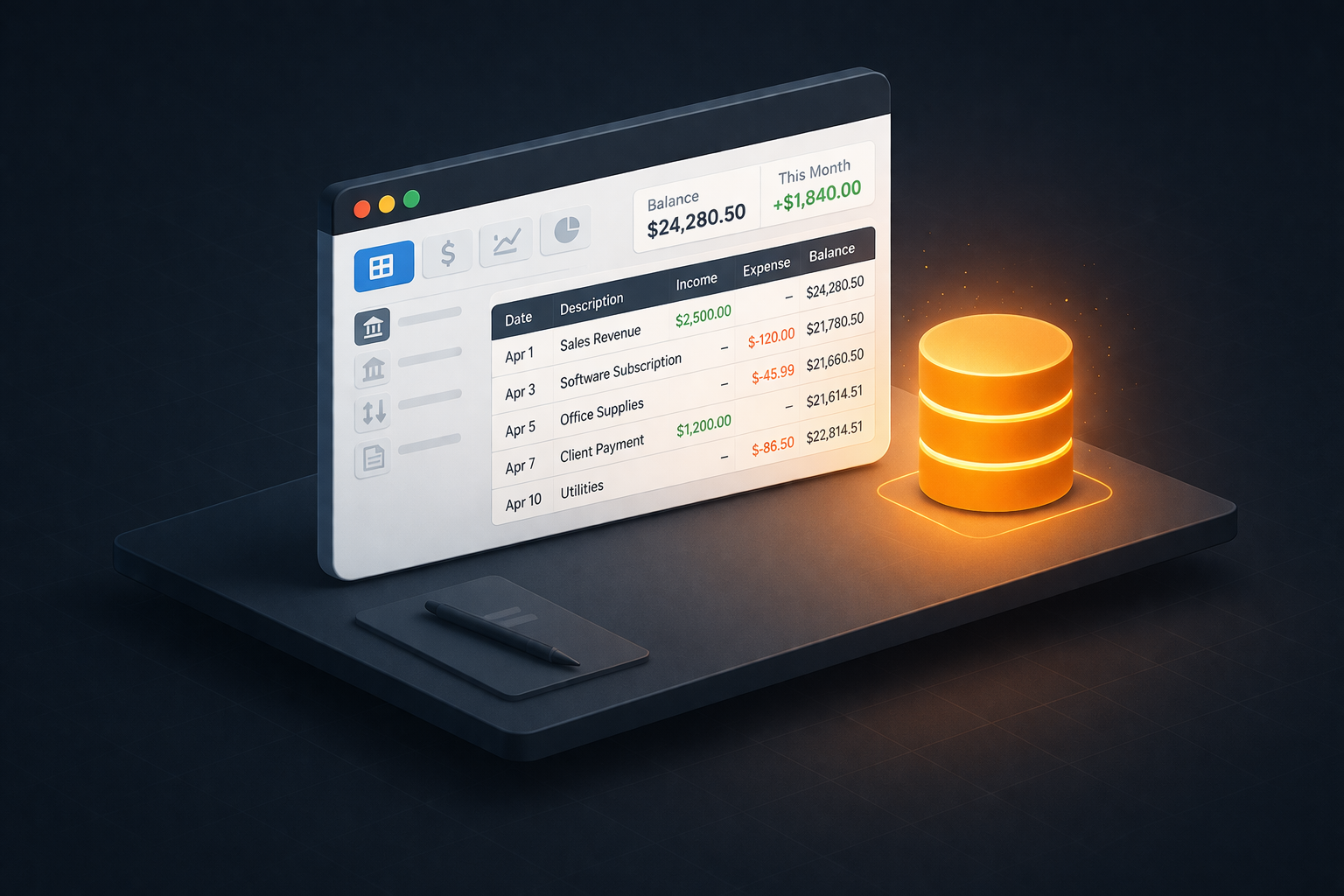
We ran into this with our own internal accounting. Instead of forcing a fit, we built a focused tool. The experience reinforced a pattern we now apply across our work, and it illustrates how we think about the build vs. buy decision.
Who This Is For
- Teams evaluating whether to buy SaaS or build an internal tool
- Founders and CTOs who want to understand the real cost of each approach
- Engineering leaders thinking about when custom software makes sense
The Build vs. Buy Decision
The default advice is “buy, don’t build.” For most things, that is correct. You should not build your own email client, project management tool, or CRM. The maintenance burden is not worth it.
But there is a class of tool where the equation flips:
The workflow is specific to your business. Off-the-shelf solutions force you to adapt your process to their assumptions. If those assumptions are wrong, you fight the tool every day. The friction is small in any given moment, but it compounds across your team and across months. At some point, the tool is shaping your process rather than serving it.
The subscription cost exceeds the build cost. A focused internal tool built in a week can pay for itself within months if it replaces a per-seat SaaS subscription. This is especially true for tools used by a small team where per-seat pricing is disproportionate to the value delivered.
You need data ownership or offline capability. Some data should not live on someone else’s servers. Some workflows need to work without an internet connection. If your requirements include either, your SaaS options narrow quickly and the remaining ones often come with enterprise pricing.
The available options are bloated. If you only need 10% of what a platform offers, you are paying for and navigating around the other 90%. Complexity has a cost beyond the subscription fee. It shows up in onboarding time, configuration overhead, and the cognitive load of working around features designed for someone else’s workflow.
Our accounting situation hit all four criteria. The tools that had the features we needed were either expensive, cloud-only, or designed for accountants rather than engineers managing their own books. Building a focused tool was the shorter path to something that actually worked.
What We Built (Briefly)
A lightweight desktop app using Rust, Tauri, and SQLite. It runs on Windows and macOS, handles double-entry bookkeeping, bank reconciliation, and tax compliance. It starts in under a second and requires no server infrastructure.
The specific technology matters less than the patterns behind the decisions. Those patterns apply to any internal tool.
The Patterns That Matter
Every technical choice we made maps to a broader principle for building internal tools. These are the patterns worth stealing.
Lightweight runtimes over bloated frameworks. We chose Tauri over Electron because it uses the system’s native webview instead of bundling an entire browser. The result is a ~15 MB app instead of ~150 MB, with significantly lower memory usage. For internal tools where you control the deployment environment, there is no reason to ship a browser with your application. The same principle applies beyond desktop apps: choose the lightest runtime that meets your requirements.
Embedded databases over managed infrastructure. We chose SQLite because it eliminates an entire class of operational problems. No database server to install, configure, patch, or back up. No connection pooling. No infrastructure to manage. For single-user and small-team tools handling critical data, SQLite’s ACID compliance provides the guarantees you need without the overhead you do not. That tradeoff makes sense for many internal applications, even ones handling financial data.
Separation of core logic from interface. We structured the project so that all business logic lives in a pure library with no UI dependencies. The desktop GUI and a command-line tool are both thin wrappers calling into the same core. This means the entire engine can run in headless tests, reports can be generated from scripts, and a different frontend can be built without touching the business logic. If you are building any internal tool, this separation pays for itself immediately in testability, flexibility, and long-term maintainability.
Designing for real-world conditions. We discovered that running SQLite in WAL mode creates auxiliary files that conflict with cloud storage services like OneDrive and Dropbox. Our solution was to checkpoint the WAL on app close, merging everything back into a single file. The broader lesson: internal tools operate in messy environments. Users will put files in cloud-synced folders, run the app on underpowered hardware, and close it mid-operation. Designing for these conditions upfront saves significant support time later.
What We Would Do Differently
Start with the CLI, not the GUI. Building the graphical interface first made it harder to test core logic in isolation. A command-line interface gives you a faster feedback loop during early development and forces clean separation between logic and presentation.
Model hierarchical data from day one. We retrofitted parent/child relationships into an existing flat structure. If your domain has hierarchies, model them at the start.
Use a migration framework from the first commit. Schema changes in production require careful migration scripts. Adding this late cost more time than building it in from the beginning.
When to Build, When to Buy
This is not an argument for building everything. It is an argument for recognizing the situations where building is the simpler, cheaper, and more effective path.
Build when:
- The tool is specific to your workflow and unlikely to be served well by a generic product
- The scope is focused enough to build and maintain with a small team
- Data ownership, offline capability, or performance requirements rule out most SaaS options
- The subscription cost of available tools is disproportionate to what you actually use
Buy when:
- An existing product covers 90%+ of your needs
- The tool is not core to your differentiation
- Multi-user collaboration and real-time sync are primary requirements
- You need to be up and running immediately
The right answer depends on your constraints, your team, and the specific problem. The wrong answer is defaulting to either option without evaluating the tradeoffs.
The question is not “should we build everything.” It is knowing when building is the simpler, cheaper, and more effective path. If you are weighing that decision, we are happy to help you think through the tradeoffs. Reach out and let’s talk it through.